
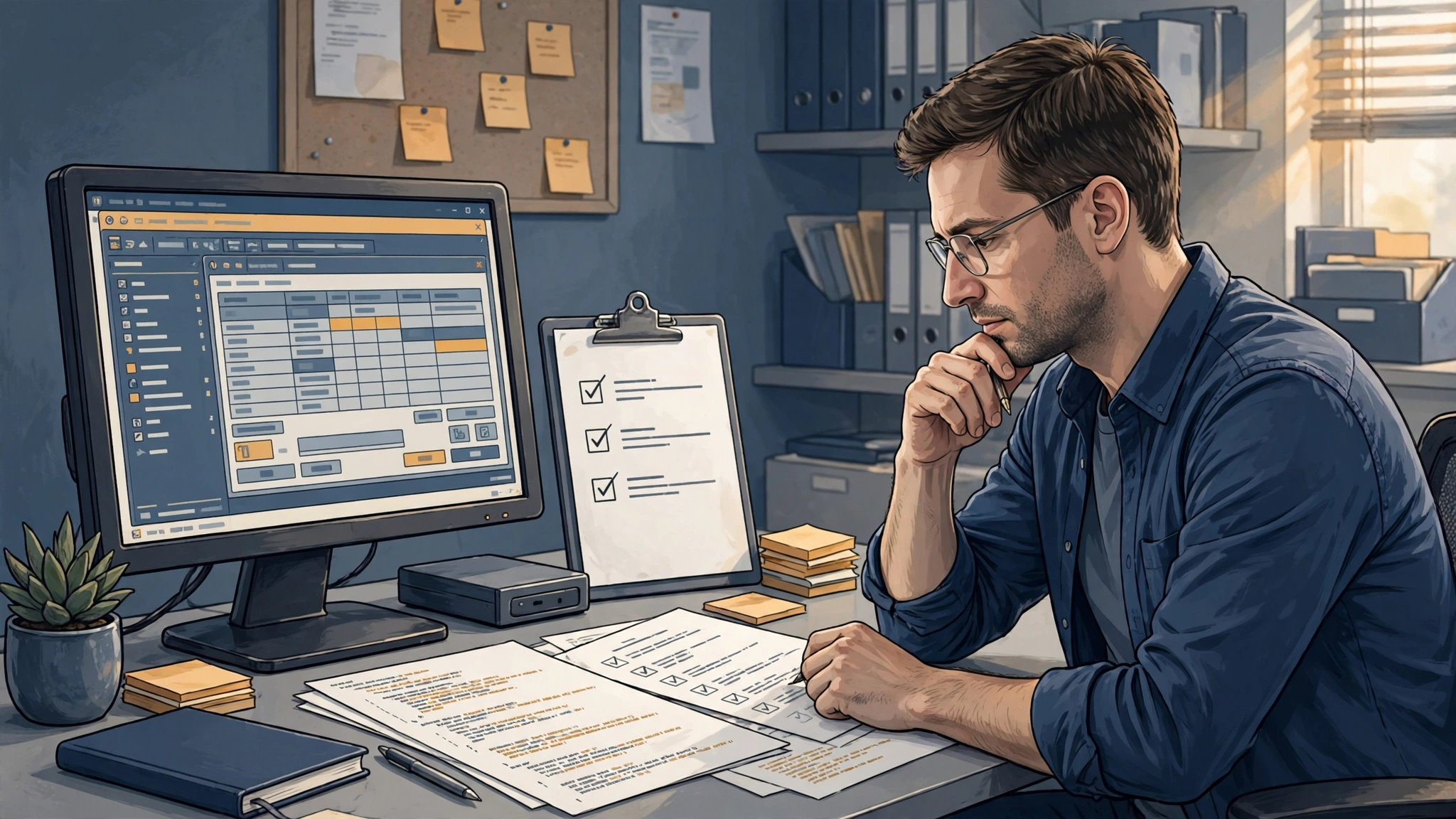
Many Clarion applications have run for ten, twenty or even thirty years. That longevity is a credit to the tool and to the people who built the software, but it also leads to a common mistake: assuming a program that works today needs no attention. Regular Clarion application maintenance helps keep a dependable system dependable and can reduce the risk of a costly failure.
This article sets out what maintenance means for a Clarion system, a routine you can follow and the signs that upkeep has been neglected.
What Clarion application maintenance includes
Software maintenance is usually described in four parts. Each one applies to a Clarion application.
Corrective maintenance
Fixing things that are wrong: a calculation that gives a bad result, a screen that errors, a report missing a record. Small faults tend to be tolerated and worked around until someone leaves and the workaround is forgotten.
Adaptive maintenance
Keeping the program working as its surroundings change. A new version of Windows, a replacement printer, a different network layout or a new security policy can all affect an application that never changed.
Perfective maintenance
Improving what exists: a faster report, a clearer screen, a new field the business now needs. This is the everyday change request that keeps software aligned with how the company operates.
Preventive maintenance
Reducing the chance of future trouble: backing up source and data, documenting how things work, tidying code that is fragile and checking the health of the data. This is the part most often skipped, and it is where most of the value lies.
A routine for Clarion application maintenance
Exact frequencies depend on your business, but this checklist is a sound starting point.
Always
- Keep a log of problems. Users should have one place to report errors, with what they were doing and what they saw. Patterns in that log show where the real trouble is.
- Back up data and test the restore. A backup you have never restored is a hope, not a plan.
Regularly
- Back up the source code and build environment. This means the application and dictionary files, hand-written source, third-party templates and libraries, and the notes on which Clarion version builds the program.
- Confirm you can still compile. Check that someone can open the source and produce a working build on a machine other than the one that always did it. If this fails, you want to find out now.
- Review the problem log and group issues into quick fixes, planned improvements and warning signs.
Before any change to the environment
- Test the application on a copy before upgrading the operating system, replacing servers or changing how users connect.
- Plan how to return to the previous state if the change goes wrong.
Once a year
- Review who knows the system and what would happen if they were unavailable.
- Look at the list of workarounds and decide which ones deserve a proper fix.
- Update your written notes on the business rules the program enforces.
Document the business rules as you go
The most valuable thing in a long-running Clarion program is rarely the screens. It is the rules: how discounts are applied, how a special customer is billed, what happens on the last day of the quarter. Often nobody wrote these down, because the code was the documentation.
Good maintenance captures them gradually. Each time a developer fixes a problem or makes a change, they note what the code does and why. Over time you gain a record that protects you if the person doing the work changes, and a safer starting point for any later project, from an integration to a phased modernization.
Warning signs that maintenance has been neglected
- Nobody can say with confidence where the current source code is.
- The program can only be built on one old computer.
- Users have lists of things they avoid doing because they cause errors.
- Fixes are being made directly on the live system with no copy to test on.
- The last person to understand the code has left.
- An operating system upgrade has been postponed repeatedly because nobody knows what it might break.
If several of these sound familiar, you do not need to panic, but the risk grows every month it is left alone.
How we approach maintenance
Clarion Programming Help has worked with Clarion for 30 years. For a system we have not seen before, we start by stabilizing: find the source, secure it, confirm the program can be built and deal with whatever is causing the most disruption. Only then do we move to routine upkeep, improvements and, if you want them, integrations or phased modernization. Throughout, the goal is to preserve your business rules and avoid the risk of rewriting a system that already does its job.
Start the conversation
If you want a plan for Clarion application maintenance, or you suspect your system has been left too long, contact us and describe what you have. We will help you work out what needs doing first.