
Your Clarion application has probably run the business for a decade or more. It works, in the sense that orders go out and invoices get paid. But it is getting harder to support, it does not talk to anything modern, and someone on the leadership team has started saying the word "replace."
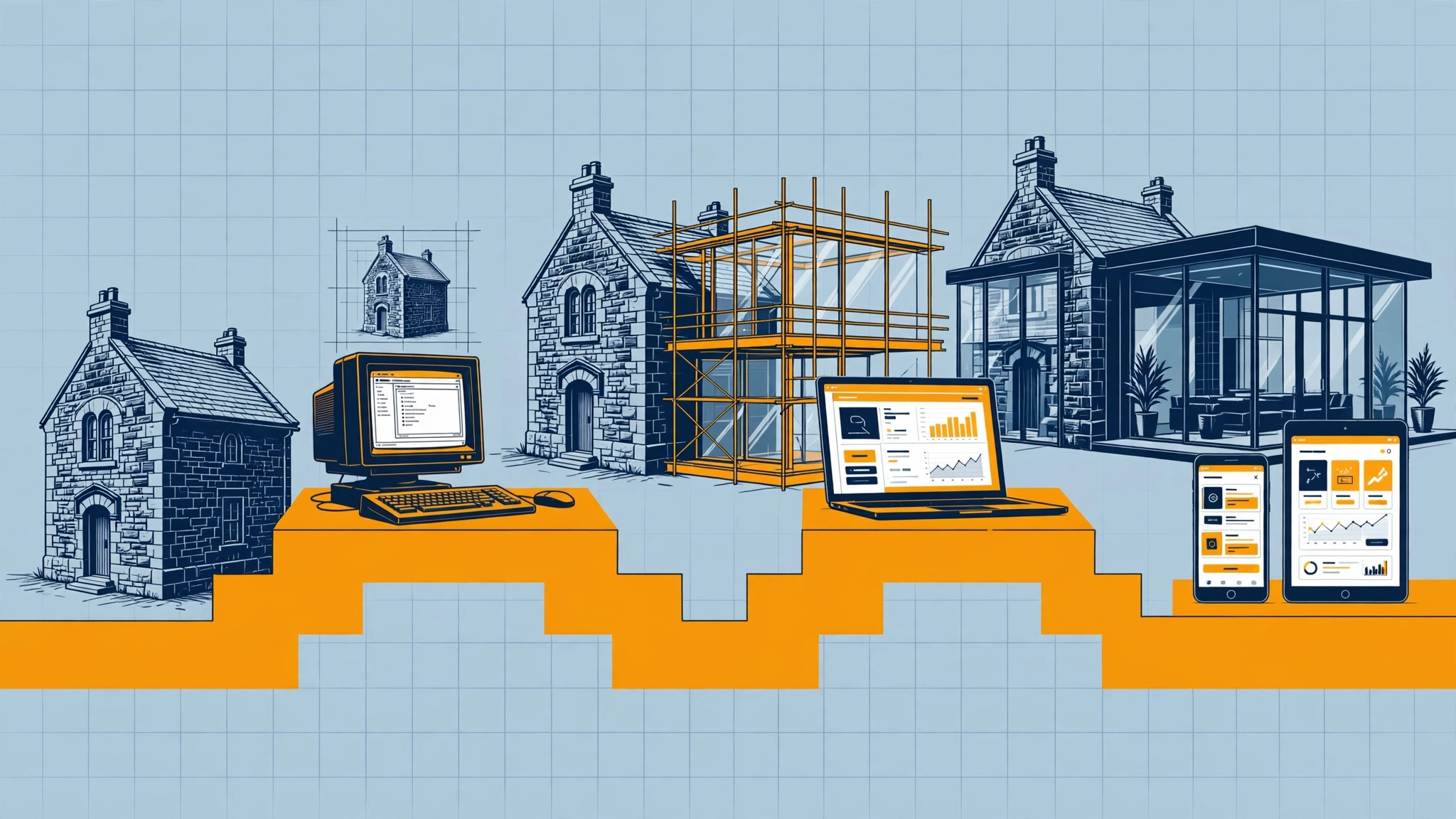
Clarion software modernization does not have to mean replacement. It is a sequence of decisions, and the order of those decisions matters more than the technology you end up on. This article lays out the options and a roadmap that keeps the business running while you change it.
Why replacement projects go wrong
A new system has to reproduce everything the old one does. That includes the obvious screens and reports, and also the rules that live only in the code: how a discount is applied to one particular customer, why a certain invoice cannot be edited after a date, what happens on the last day of the month. Nobody wrote these down because the program simply does them.
When a rewrite discovers those rules late, it runs over time and over budget, or goes live missing behavior people depended on. We call this the rewrite trap, and avoiding it is the reason we recommend modernizing in phases.
The modernization options, from least to most change
- Stabilize. Fix crashes, data errors, operating system compatibility problems and backup gaps. Nothing else is safe to build on an unstable base.
- Document and preserve. Map the business rules, data structures and dependencies, so the knowledge no longer lives in one person's head or only in the source code.
- Connect. Add integrations so web portals, mobile apps, reporting tools and other systems can use your Clarion data without replacing it.
- Improve in place. Update the program's screens, reports and data handling where they are slowing people down, within the existing application.
- Replace selectively. Move one module at a time, such as customer self-service or reporting, to new technology, with the old and new running side by side until the new part is proven.
- Replace the core. Only when the earlier steps show that the core can no longer meet the business's needs, and with the rules already mapped and tested.
Many businesses stop at step three or four for years, and that is a legitimate outcome. Modernization is about getting the capability you need, not reaching the last step.
A phased roadmap
Phase 1: Stabilize and secure
Confirm you have the source code, a tested backup and a working build environment. Resolve current crashes and data problems. Review how the program is installed, shared and backed up. This phase has a clear finish: the system is dependable and recoverable.
Phase 2: Map what the system really does
Walk through the program with the people who use it. Record the screens, reports, calculations, exceptions and files it touches. Capture the rules that surprise people. This map becomes the test plan for every later phase, and it is the most valuable thing you can own if you ever do replace the system.
Phase 3: Pick the first outcome
Choose the single change that would help the business most. It might be customer order lookup online, mobile access for field staff, a reporting database, or removing a manual re-keying task. Pick something small enough to finish and valuable enough to matter.
Phase 4: Build, test and run in parallel
Deliver that first outcome and test it against the rule map and against real data copies. Where the new piece replaces old behavior, run both for a period and compare results before relying on the new one.
Phase 5: Review, then decide the next step
With a first result in hand, you can judge cost, speed and risk from evidence instead of estimates. Then choose whether to extend the integration, improve more of the program, or begin moving modules.
How to judge your readiness
Before committing to any plan, be honest about these points:
- Source code. Do you have it, and can it be built today? Without it, options narrow and the first task is recovering or reconstructing a safe path.
- Business rules. Are they documented anywhere? If not, mapping them is the first investment.
- Data. Is it healthy, backed up and understood? Moving bad data to a new system just relocates the problem.
- People. Who knows how the business uses the program, and can they give time to testing?
- Drivers. What is forcing the change: a compatibility issue, a customer demand, a retiring developer, or a growth need? The driver sets the pace.
Questions to ask any developer you consider
- What will you do first, and how will we know it is finished?
- How will you find and test the business rules that nobody documented?
- Can we run the old and new pieces side by side?
- If we stop after this phase, will we still have something useful?
- Who owns the code, the documentation and the data maps at the end?
Be cautious of any plan that gives a single large deliverable far in the future and nothing testable along the way.
Keep the working system working
Your staff have to keep processing orders while this happens. That is the practical argument for phases: each step is small enough to test, reversible if needed, and leaves the business running. It also means the decision to go further can be made later with real information.
If your first step is connecting to modern tools, our article on connecting a Clarion application to modern web tools without a full rewrite explains the approach.
Talk through your Clarion software modernization plan
Clarion Programming Help brings 30 years of Clarion experience to legacy rescue, support, integrations and phased modernization. We stabilize first, preserve your business rules, and modernize in phases. If you are weighing your options, or a replacement proposal worries you, Contact Us and tell us where your system stands today.